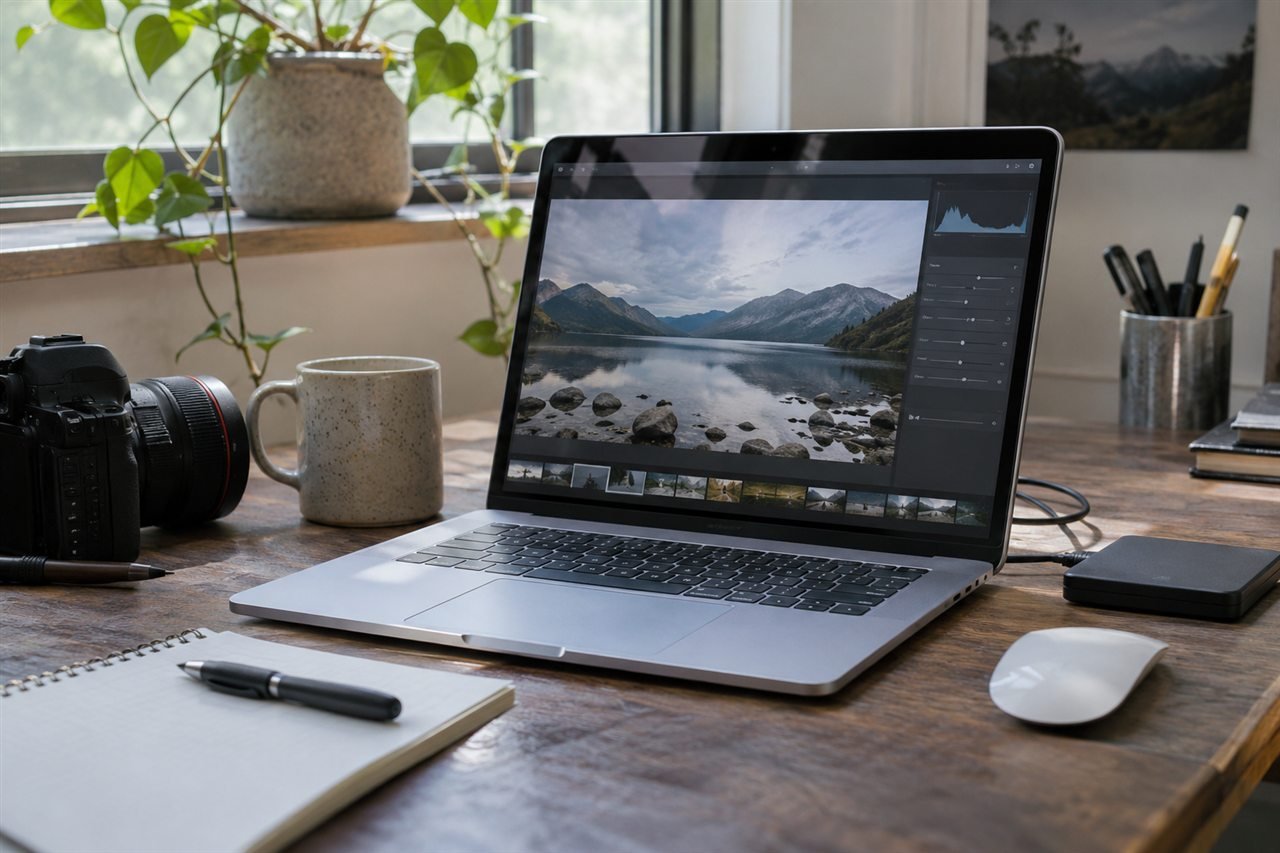
Apple introduced a MacBook Pro with a PROLED XDR display. Here’s how to decide whether the screen changes matter for your work.
What changed in November
Apple announced MacBook Pro models with a PROLED XDR display in late October and said they would start reaching customers on November 6. The updated machines use M5 Pro or M5 Max chips. If the display is what caught your attention, compare that change separately from any memory or storage upgrade you are considering.
Start with the screen you actually use
If most of your work happens on an external monitor, a notebook display upgrade will primarily help when you travel or work away from your desk. If you edit photos or video directly on the laptop, try a dark scene with a small bright highlight and a photo with subtle shadow tones. Compare at a similar brightness in the same room. The store demo alone may exaggerate the difference you see in a normal workspace.
Compare like-for-like configurations
Write down the memory, storage and ports you need before comparing prices. Open a project with your usual browser tabs and creative apps, then check if the machine you already own actually slows down. A visible improvement in your own workflow gives you a better upgrade criterion than a spec sheet. This analysis is based on Apple’s announcement.
Test the screen with your own material
Take a familiar photo or short clip to a demonstration if the store allows it. Turn off any automatically looping demo and compare the same file on both displays at similar brightness. Look for dark details in a shaded corner and for the way bright areas taper into midtones. Then open a regular web page or document. If the biggest improvement is in a kind of footage you rarely watch or edit, give it less weight in the purchase decision.
Compare how you work on the move
A photographer editing directly on a laptop in changing light has a different reason to upgrade than a developer with a permanent desk monitor. For a typical travel day, list the work you do away from a wall socket and how often you connect an external screen. Check the display specifications of the exact size and configuration you are comparing, especially if a particular finish or display setting matters.
Make a three-line upgrade test
Write down the task your existing Mac struggles with, the improvement you want to see, and the price you are willing to pay for it. If you can only fill in the third line, wait until there is a clear reason to replace it. Apple’s announcement gives you a starting point for comparing features. The useful buying decision comes from your own projects, workspace and budget.
Related guide: M6 Mac mini vs M5 Mac Studio: Which Apple Desktop Fits Your Work?
Source: apple.com